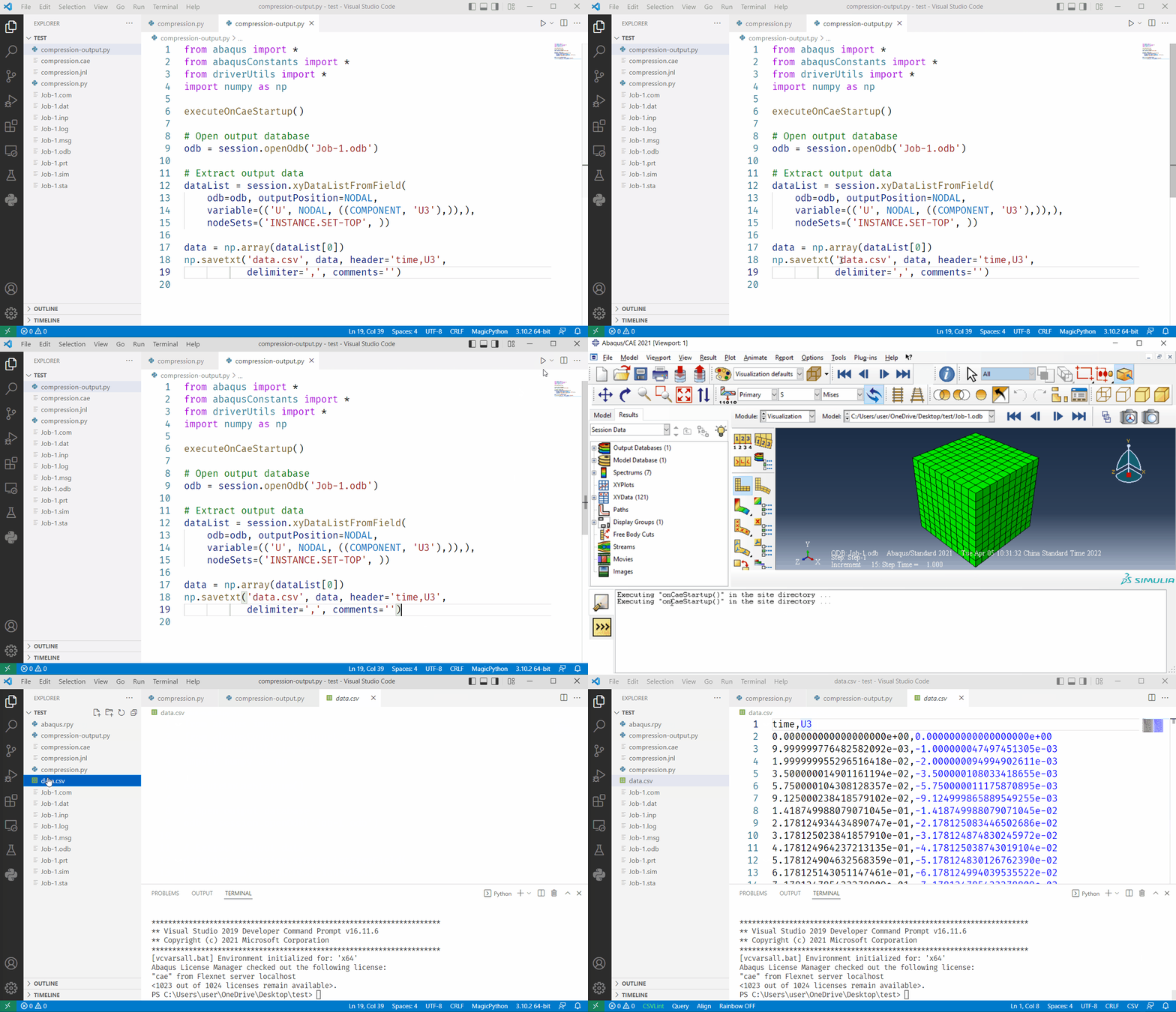
入门指南
简介
abqpy 是一个 Python 库,为 Abaqus Python 脚本提供类型提示。您可以使用它来随意写入您的 Abaqus Python 脚本。 它还提供了简单的 API 来执行 Abaqus 命令,使您能够构建模型。 以单个的 Python 脚本提交作业和提取输出数据,所有这些操作都不会打开 Abaqus/CAE。
安装
在安装 abqpy 之前,请确保 

你可以使用以下命令安装 abqpy。
pip install -U abqpy==2020.*
pip install -U abqpy2020
conda install conda-forge::abqpy=2020
pip install git+https://github.com/haiiliin/abqpy@2020
pip install -U abqpy[jupyter]==2020.*
pip install -U abqpy2020[jupyter]
pip install ipynbname nbconvert
警告
不要在 Abaqus 的内置的 Python 解释器中安装 abqpy。 因为它可能导致 Abaqus Python 解释器崩溃,您可能无法再打开 Abaqus/CAE 了。
备注
建议您安装对应版本的 Abaqus 和 abqpy,以避免兼容性问题。
两个 Python 解释器
在继续之前,需要知道两个不同的 Python 解释器。
当我们使用 Abaqus/CAE 图形用户界面(GUI)创建模型并可视化结果时,命令由 Abaqus/CAE 在每次操作后在内部发出。这些命令反映您创建的几何图形以及从每个对话框中选择的选项和设置。GUI 使用名为 Python 的面向对象编程语言生成命令。GUI 发出的命令将发送到 Abaqus/CAE 内核。内核解释命令,并使用选项和设置来创建模型的内部表示。内核是 Abaqus/CAE 背后的大脑。GUI 是用户和内核之间的接口。
总之,Abaqus 使用 Python 语言与 Abaqus 内核进行交互,所有可以在 Abaqus/CAE 中 完成的事情,也可以使用 Python 脚本完成。Abaqus 已经安装了一个 Python 解释器,以便 Abaqus/CAE 可以使用它与 Abaqus 内核进行交互。
出于各种原因,我们不能直接使用 Abaqus 内的 Python 解释器构建 Abaqus 模型。 但是,我们可以使用 Abaqus 提供的命令访问它:
abaqus cae
    [database=database-file]
    [replay=replay-file]
    [recover=journal-file]
    [startup=startup-file]
    [script=script-file]
    [noGUI=noGUI-file]
    [noenvstartup]
    [noSavedOptions]
    [noSavedGuiPrefs]
    [noStartupDialog]
    [custom=script-file]
    [guiTester=GUI-script]
    [guiRecord]
    [guiNoRecord]
通常,我们可以使用 noGUI-file 或 script-file 选项在 Abaqus 中执行我们的 Python 脚本。
另一个 Python 解释器是我们自己安装的 Python 解释器,其中安装了 abqpy。abqpy 提供了一个将我们的 Python 脚本连接到 Abaqus Python 解释器的桥梁,它为 Abaqus 的 Python 脚本提供了类型提示,使我们能够快速编写 Abaqus Python 脚本。
这个包是如何工作的?
abqpy 只是一个为 Abaqus/Python 脚本提供类型提示的库,它安装在 Abaqus/Python 环境之外,你可以使用 abqpy 来编写你的 Abaqus/Python 脚本,并自己在 Abaqus 里面运行脚本。但是,在 Abaqus 命令的帮助下,可以实现一种更简单的方法:** 您实际上可以使用自己的 Python 解释器运行脚本而无需打开 Abaqus**,这是通过 abaqus 命令实现的,如下所示:
abaqus cae noGUI=script.py
秘密藏在 run() 函数中。在这个库中,abaqus 模块被重新实现以自动调用这个函数。 如果您在脚本导入此模块(如 from abaqus import *),您的 Python 解释器(而非 Abaqus Python 解释器)将调用此函数并使用 abaqus 命令将脚本提交给 Abaqus。 提交给 Abaqus 后,run() 函数将退出解释器,因为脚本已经在 Abaqus Python 解释器中运行。
在输出脚本中,我们可能不想总是使用 abaqus 模块,因为它需要 Abaqus/CAE 内核(和它的许可证)。 这时,我们使用模块 odbAccess (例如,from odbAccess import *), 它只需要 Abaqus Python 解释器而不需要 Abaqus/CAE 内核。这时,我们需要另一个类似的 abaqus 命令:
abaqus python script.py
因此,odbAccess 模块也被重新实现以调用带有参数 cae = False 的 run() 函数。
总之,当您导入两个模块之一(abaqus 或 odbAccess)时,将调用 run() 函数。 它将在 abaqus 模块中传入参数 cae = True,在 odbAccess 模块中传入参数 cae = False。 因此,如果您想在外部 Python 环境中运行您的 Python 脚本,请确保在您的脚本导入这些模块之一。
编写你的 Abaqus/Python 脚本
安装 abqpy 包后,您可以开始编写自己的 Abaqus/Python 脚本来构建模型。 您可以参考 abqpy/examples at main・hailiin/abqpy 获取一些脚本示例。 或者你可以去 教程 看一个简单的教程。 有关 Abaqus/Python 脚本的更多文档,请查看 Abaqus Class References 以获取更详细的 API 参考。
配置 Abaqus 环境
请确保命令行中的 abaqus 命令是可用的(即您可以在命令行运行 abaqus),否则你需要添加一个名为 ABAQUS_BAT_PATH 的系统环境变量, 并将其设置为 Abaqus 批处理文件的文件路径,例如 C:/SIMULIA/Commands/abaqus.bat。
运行你的 Abaqus/Python 脚本
现在您可以使用以下方法运行您的 Abaqus/Python 脚本:
打开 Abaqus/CAE 并点击菜单栏中的
运行脚本,然后选择您的脚本文件, 它是在 Abaqus/CAE 中运行 Python 脚本的最常见方式。在命令行中使用
abaqus命令:abaqus cae script=script.py更多关于
abaqus命令的信息,请访问 这里。在命令行中使用
abaqus命令:[python -m] abqpy cae script.py使用
abqpy命令而不是直接使用abaqus命令的好处是,您可以自定义默认的 Python 启动命令。有关abqpy命令的更多信息,请参见 命令行接口。使用 Python 3 解释器直接运行脚本:
python script.py这是运行脚本的最方便的方式,它等效于
abqpy命令,并带有一些默认的预定义参数。使用
abqpy.cli.abaqus变量 (abqpy.cli.AbqpyCLI对象) 运行脚本:from abqpy.cli import abaqus abaqus.cae(script="script.py")abqpy命令使用abqpy.cli.abaqus变量调用命令行,你可以直接调用此变量中的方法来运行脚本。 当您想要在另一个 Python 脚本中调用 Abaqus/Python 脚本时,这个方法是十分方便的,因为代码编辑器会为这些方法提供类型提示。 您可以检查变量方法的文档字符串以获取更多信息。
警告
abqpy 不支持调试,因为 Abaqus 没有为 Abaqus/CAE 之外的 Python 脚本提供一个调试器。 如果您在调试模式下运行脚本,脚本将在 Abaqus PDE 中打开,您可以在那里调试它。
创建一个 Abaqus 模型
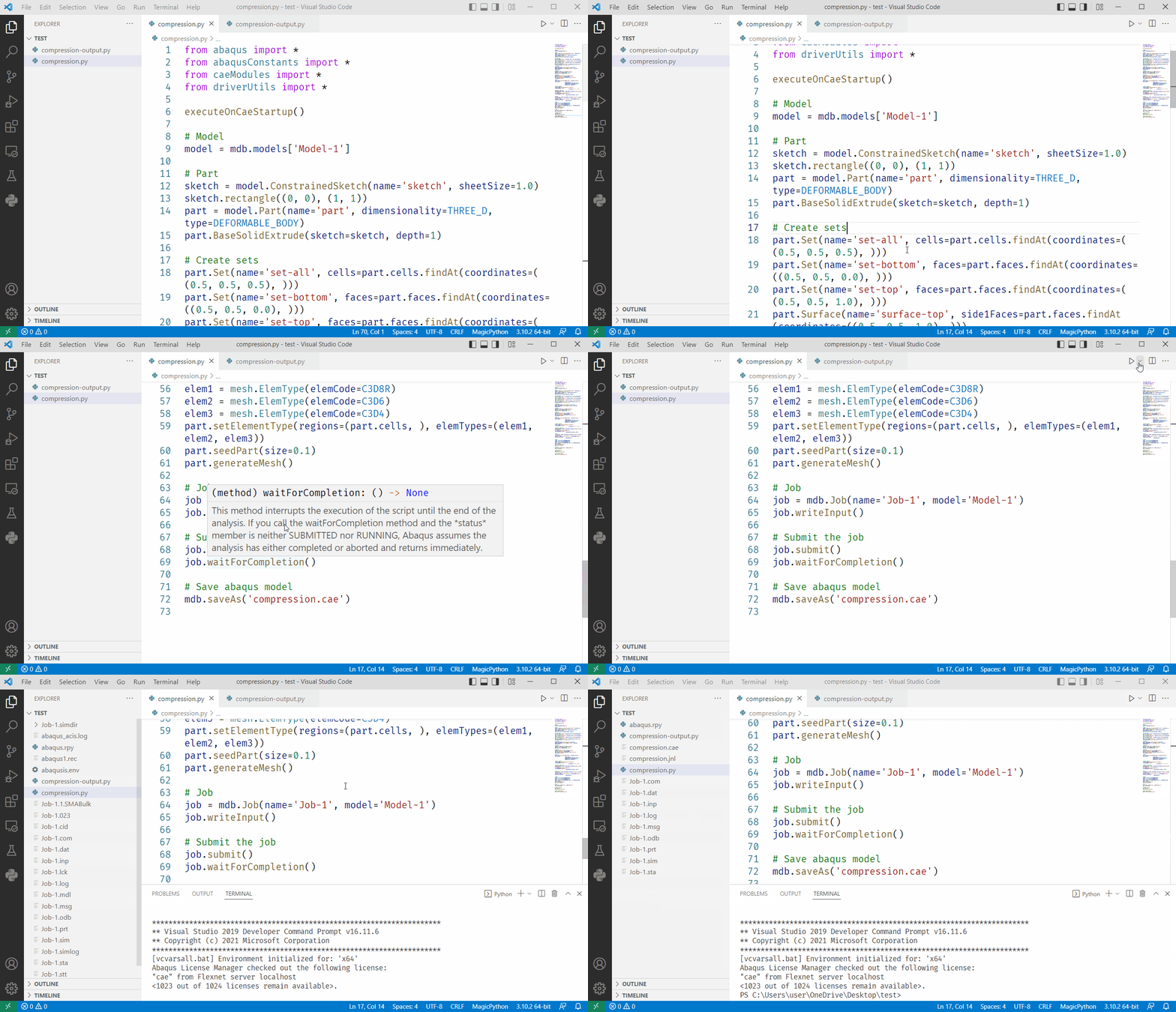
提取输出数据